What I discovered about Public Administration by appealing a fine
Reading Time: 5-7 minutes
For those who have followed my (unfortunate) events, on May 2nd I got a so-called ‘COVID-19 fine’, a fine for violating the laws of a Decree created to combat the COVID-19 pandemic.
They fined me €400, and I obviously did not pay - the reasons why I did not pay, and why I believe I am right are in the dedicated article, so I won’t explain them again here.
According to the provisions indicated in the report I received, I would have had 30 days to appeal, but (luckily for me), it is not so: I have 30 days starting from May 16, 2020, according to what is written on this page of the Prefecture of Rome, which indicates that “Pursuant to art. 37 of D.L. April 8, 2020, n. 23, the term of 30 days, for the presentation of briefs and defensive writings or for the request for hearing to the Prefect by the transgressor, run (unless further extensions of law) from the date of May 16, 2020.”.
So I had until June 16 to appeal, using all the reasons I also described in the previous article (all valid, after a comparison with others). But I wanted to get it over with as soon as possible: I imposed on myself to do everything by June 1, not to drag everything out (I have two exams to prepare, and Campus Party Digital Edition). And also it bothers me that that task, ‘Police report appeal’, stays there every day to remind me of that unpleasant event.
But I am not a lawyer. After hearing some family opinions, I thought it was a good idea to ask a lawyer for advice, but honestly I didn’t want to spend money on the ignorance of the police who fined me. So I wrote a post on Facebook to ask for help pro bono, and my friend Valerio Barbato replied (together with Sasà, whom I thank anyway).
I met Valerio in ERASMUS, and he offered to give me a hand because maybe he understood that I would only need a little help. I shared with him the Google Doc I had been working on, along with the attachments I wanted to include, and he reviewed everything.
Obviously I had wronged everything in the form, but the content was correct: the reasons were correct, it was just enough to write them in legalese and finally certify the appeal act with the digital signature. Here, from this need started a small odyssey lasting a Friday night, in which Valerio and I discovered that the Italian Public Administration works better than one thinks, and that some pillars are even open-source.
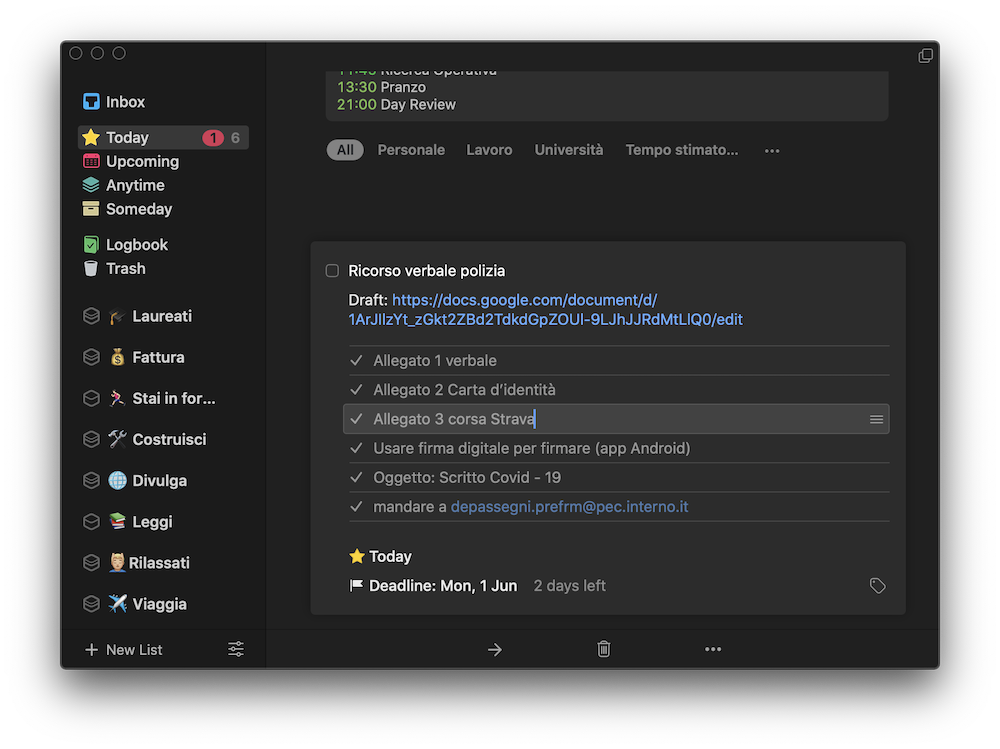
To make the digital signature (which is not the signature you draw by hand with Preview on macOS), you must have a digital identity that is recognized by the State and whose certification process is recognized legally. From what I knew at the beginning of the search, the only way to make a digital signature (which trivially consists of certifying a document with a timestamp and applying a certificate to the PDF of the document) is through a CNS (National Service Card, a USB stick basically) or a Smart Card enabled for signing.
I have a CNS: I bought it to sign the act of constitution of the startup I founded a few years ago now (2017). Paid about €70, if I remember correctly. But with the CNS I always had problems: you have to install software, which installs a series of other programs, and compatibility is terrible. It never worked well on macOS (sometimes not even recognized), while on Windows it always more or less worked, but to use the certificates in the pendrive I could only use the web browser (Firefox) launched from the pendrive itself. In short, a nightmare: I don’t want to use the CNS anymore.
When I access the Revenue Agency portal, however, I notice that I can also log in with SPID, and so I think that maybe, with SPID, I can also do the digital signature. I do some research and find confirmation: too bad that the article says that the guidelines have been released, but there is no trace of a procedure that can be implemented at the moment - all ethereal, for now.
I don’t give up: I remember that, when it was introduced in 2013, the Electronic Identity Card was defined by the Ministry of the Interior as the next step for digital identity, merging under a single purpose SPID, CNS and CIE (Digital Identity Card). The sense is that, eventually, with the Electronic Identity Card everything that is now done with CNS, SPID, and also with digital signature will be possible.
I consider myself an incurable optimist: when I read that something will be available, I always think it can be even now. And so I do a simple search on Google, ‘CIE digital signature’, with which I stumble upon a discussion on the Italia.it forum that addresses precisely this topic, and I discover that yes, it is possible to use the digital signature even with the CIE!
Ready for download, I look first for the CIE drivers (which serve to make the operating system recognize the CIE), but then I ask myself how do I make the computer recognize it, since it is a card. And here is the first gap, the first hole: what sense does it make, in 2020, to still be behind smart cards to connect a card to a computer?
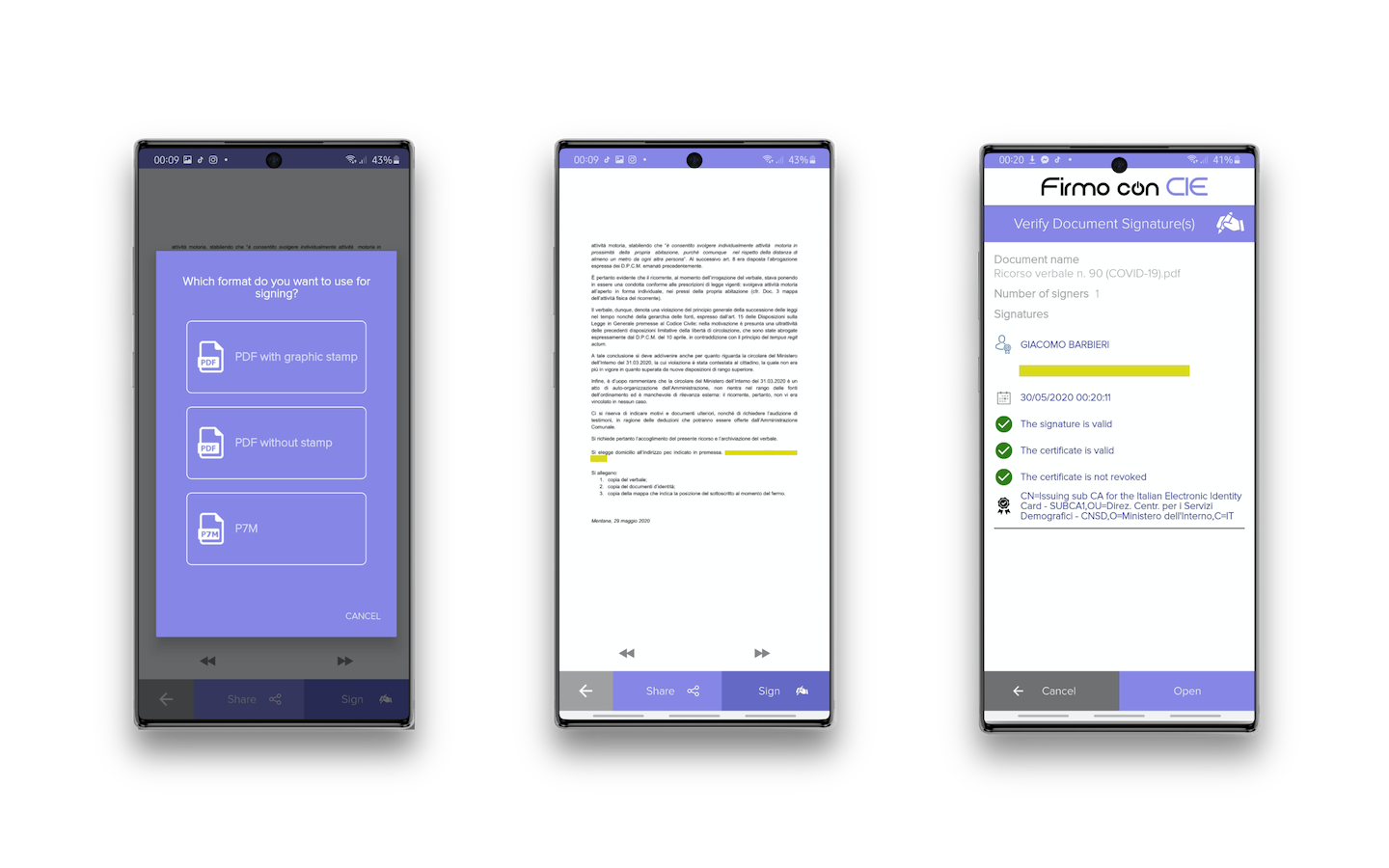
And in fact, someone must have asked themselves this question, because by doing a deeper search, I discover that there is an app for Android, Firmo con CIE, which exploits CIE drivers to connect the smartphone to the CIE directly using NFC - unfortunately, due to Apple's restrictions on the use of NFC, this app does not work perfectly on iOS.. the app works well on iOS now! I thank for the report the creator of the app, Ugo Chirico.
I download the app from the Play Store and follow the procedure to add a new certificate: I insert the PIN of the CIE and then I bring it close to the body of the smartphone. Registration is immediate, now I can use the digital signature!
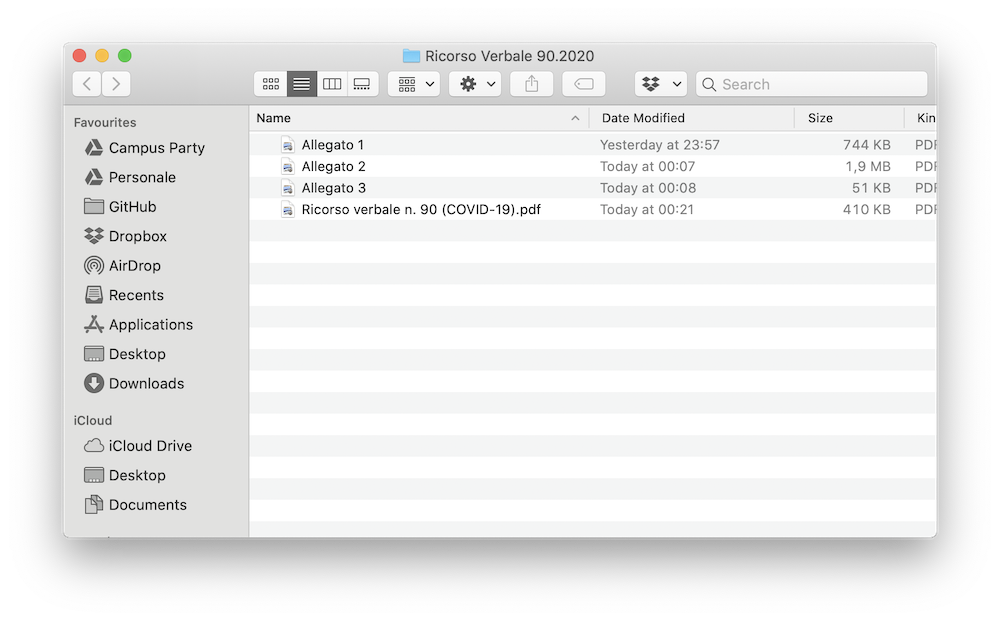
I share these discoveries of mine with Valerio, who also, surprised, does my same procedure and tries everything. To use the digital signature I had to transfer the appeal document to the smartphone (I used Telegram), open the document from the app and then transfer the document back to the computer. It took me 10 minutes to register the CIE and 2 minutes to do the digital signature.
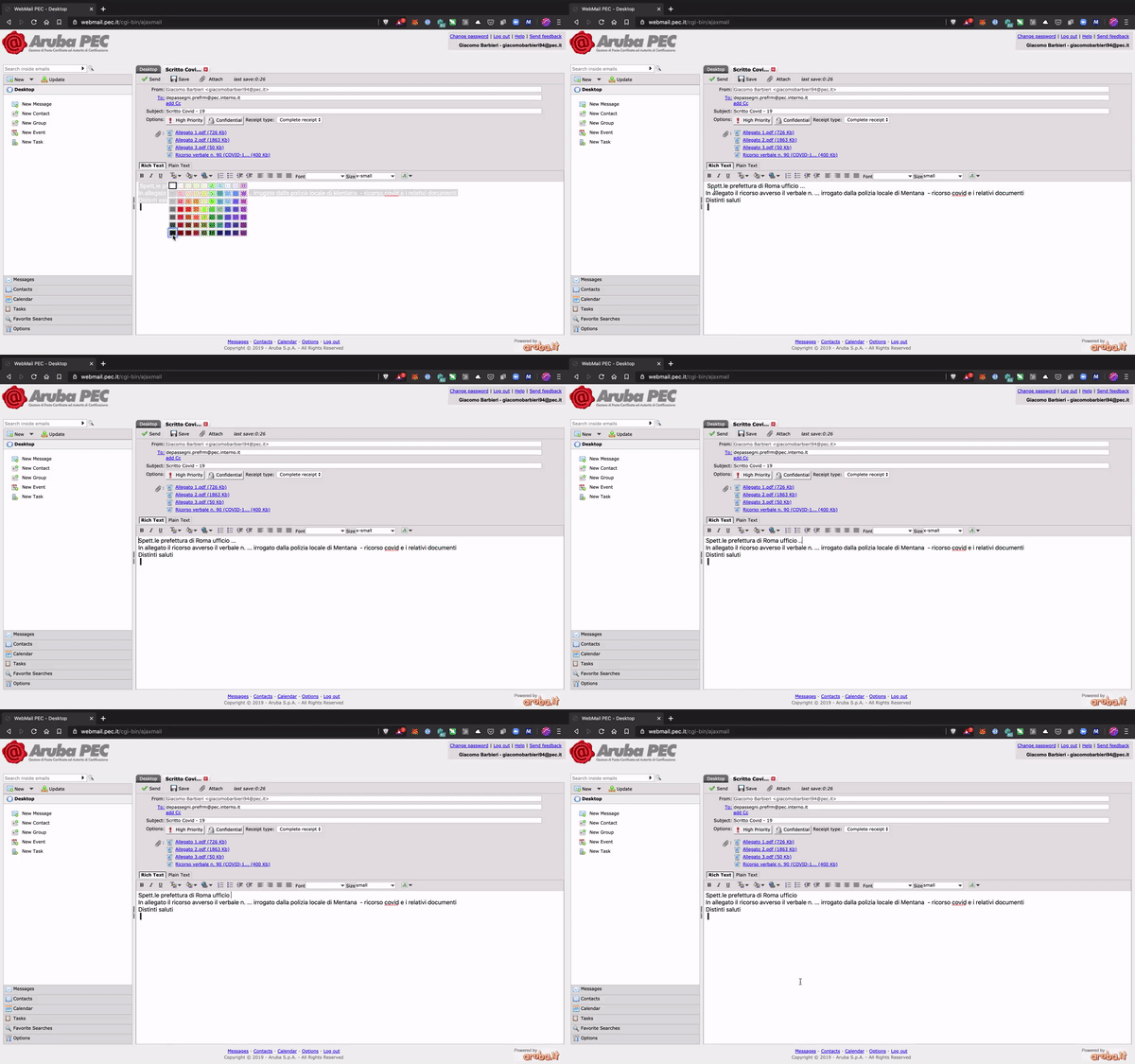
I sent the appeal via PEC, with the document certified via digital signature simply by bringing the CIE close to the smartphone. I truly felt in the 21st century, I must be honest.
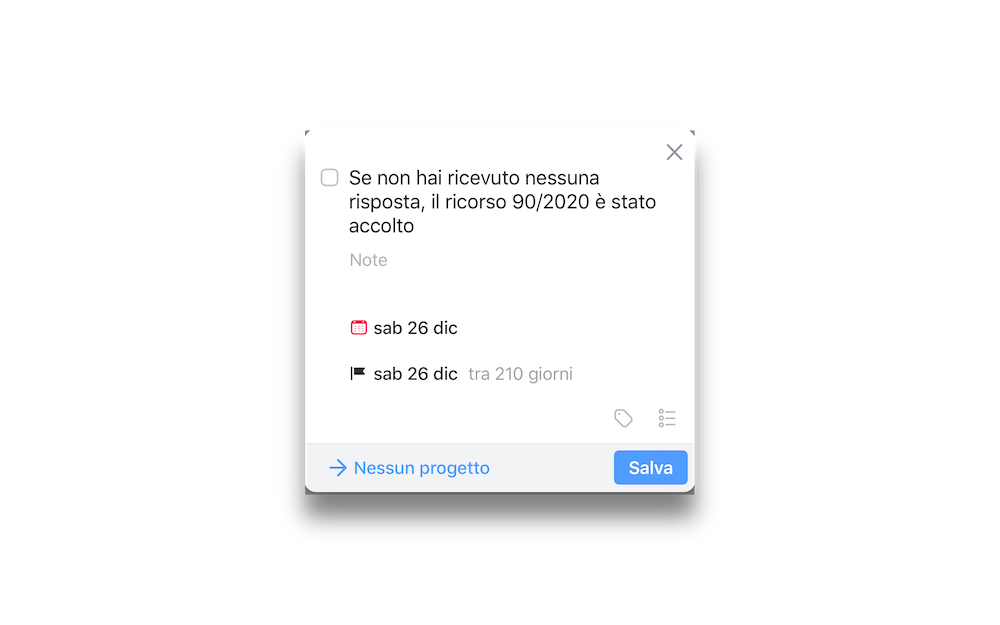
I hope my appeal is accepted (I have 210 days, beyond which the appeal is presumed accepted anyway), but in the meantime I understood that Public Administration does not work so badly: you just have to search well.


Giacomo Barbieri
Head of Growth at Routescan. Building at the intersection of crypto infrastructure and AI agents.