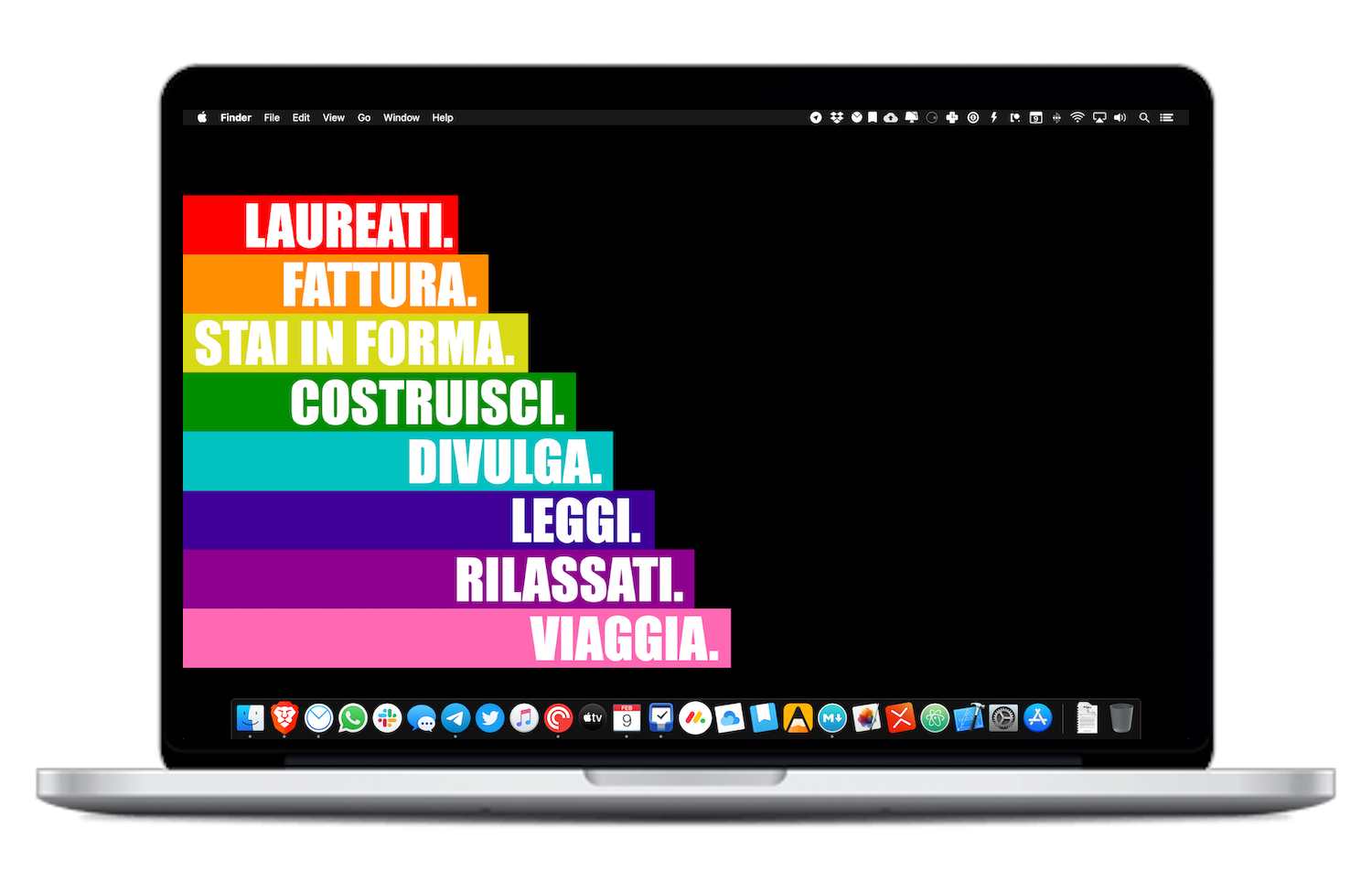
Homescreen 2020 - macOS dock
Reading Time: 7-10 minutes
Download wallpaper (HD)
macOS is the center of my work and creative activity. The laptop I use now, a 13” MacBook Pro from 2019 with an i5 processor, 256GB of storage and 16 GB of RAM, is the hub from which all my activities start. As already explained, I decided not to switch to the completely mobile experience with an iPad Pro, because I am increasingly intensifying my work with code development (I have a few web projects planned), and writing and tinkering on this personal site of mine is making me learn a lot, and I don’t want to give up this new part of me.
I had set myself the goal of writing this article for some time, and deciding how to set up my laptop dock once and for all for the whole year made me do some reasoning that I forced and that I am happy to have done.
This, therefore, is my dock for 2020.

Besides the classic Finder, Settings and App Store, which is easy to explain why they are there - I can’t remove the Finder and Settings and App Store are of quite common use -, there are exactly 20 other apps on my dock. Now, piece by piece, I will describe how all these apps make sense to exist there - and not for trivial reasons.
Networking

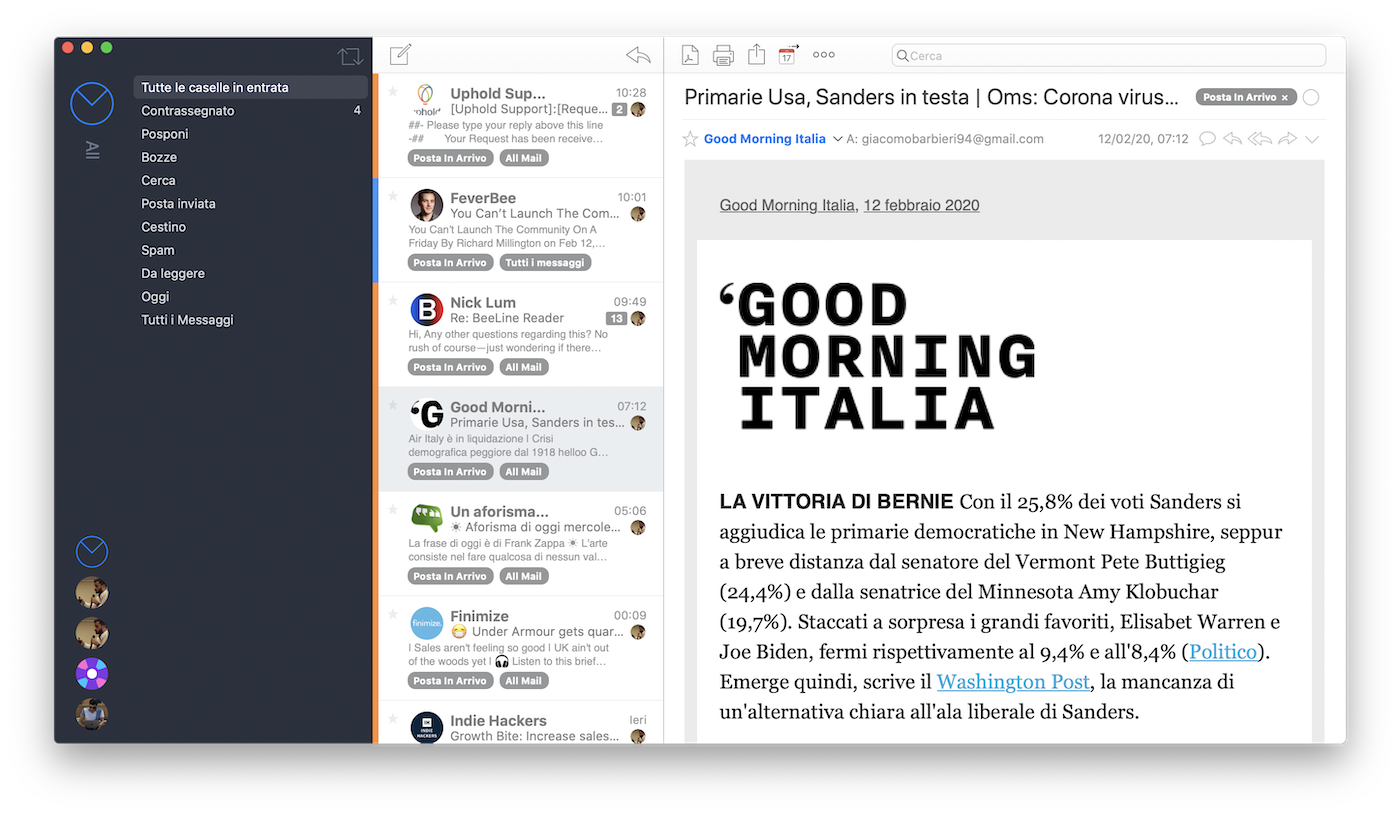
The first seven apps are the ones I use most frequently as soon as I turn on the computer. Specifically, Brave is my default browser. I have already discussed my experience with Brave in an in-depth article. It is one of the first apps I launch, together with Airmail, my email client for about 2 years now. Airmail is not the best email client there is, because in my opinion there isn’t really one. Every client has positive features but significant defects or shortcomings. For example, Airmail has strong integration with external apps and services (I configured Things and Fantastical, but there are at least 15 others) and supports almost all types of accounts with APIs, so without needing to generate one-time passwords if you use 2-factor authentication: Google, G Suite, Exchange, Office 365, iCloud are my account types, which are all supported.
Then there are the messaging apps: in order, I use Telegram most frequently (about 1 hour a day, it is practically my information exchange platform with the outside world), Whatsapp (only with those who don’t use Telegram), Slack (office chat and communities I follow), iMessage (only for 2-factor authentication messages and promotions/spam -.- ).
To these five is added Twitter, which is not really a chat, but I use it like a global chat: a few minutes every evening, I scroll to see what is said about the hashtags I follow most (bitcoin, blockchain, tech, ai, Elon Musk just to make a few examples) and I interact with others. I adore Twitter because it allows me to have conversations with strangers on topics that interest me and to draw important insights and reflections. It is fast, but just click on a hashtag to get lost in the depth of the set of individual reasoning of all users.
Entertainment

Since the computer, for me, is the tool I use mainly to work and study, entertainment and leisure applications are very limited. Games and streaming apps are on the iPad, Apple TV and on the desktop computer with Windows. So the only apps that really make sense for me to leave in the foreground are three: Apple Music, Pocket Casts and Apple TV.
Apple Music is my music app: I use it on all devices, I have the student subscription so I pay a little less than 60€ a year, and I have a whole list of playlists that I follow for workouts, runs, focus with white noise, focus with classical music, and so on. I use Apple Music and not Spotify because more than 70% of my devices are Apple. I also have a HomePod that works great with Apple Music.
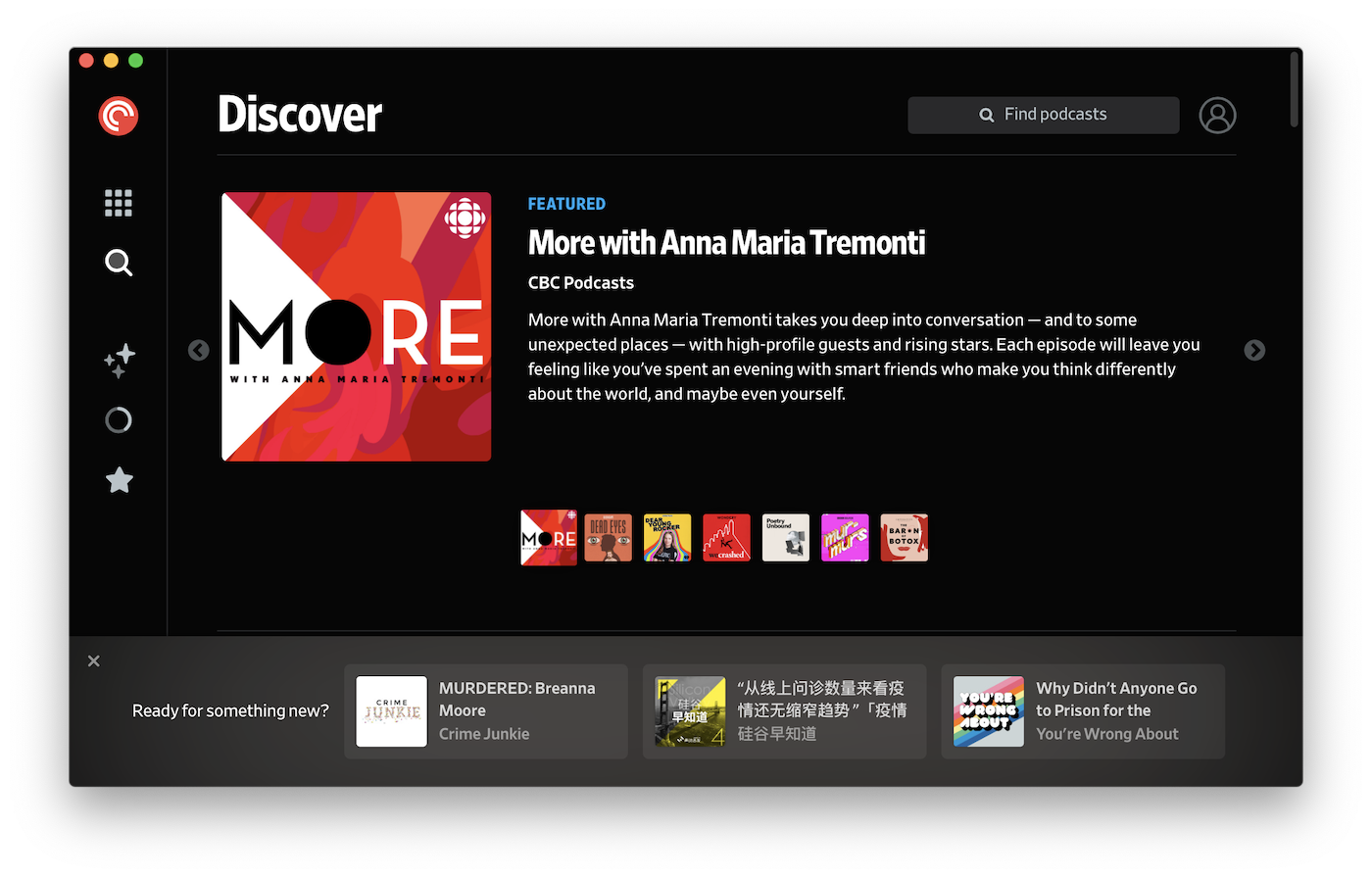
Pocket Casts is a new entry, just a few days ago: this year I want to shift the focus of content consumption from TV series to podcasts. I listen to about ten podcasts, and I often update my library, adding and removing podcasts based on the period I am going through and the type of content I feel like listening to. I used Apple Podcasts on MacBook, but then when I am in the car I use Google Podcasts on the Galaxy Note 10+, and the listening history is not synchronized. For this reason I did some research, lasting about a month, and I chose, after trying many alternatives, to subscribe to Pocket Casts Plus, for about 11 euros a year, to have all the features and also the app for macOS and Windows. I chose in this way always driven by the same motivation: “does it help me quantify my life better?” And the answer is yes.
Apple TV I am not using much, but I plan to watch TV series much more on Apple TV+ than on Netflix and Amazon Prime Video in the coming months. The main reasons are two: there is little content and for now I don’t pay for it. Having little content gives me little choice, and the quality seems very high, so I will watch few series and films, but of quality.
Productivity

There are only three apps that allow me to manage my short, medium and long-term planning: Things, Fantastical and Monday. Things 3 is the center of all my activities. I use Things 3 a lot on the MacBook. Every morning I check what the activities are and start marking them as completed. It is the first app I open in the morning and the last one I close in the evening. On the app I use the GTD methodology to classify activities to be done and I review them 3 times a day: in the morning, in the afternoon (to understand if I can still do everything) and in the evening - to review the activities to be done for the next day.

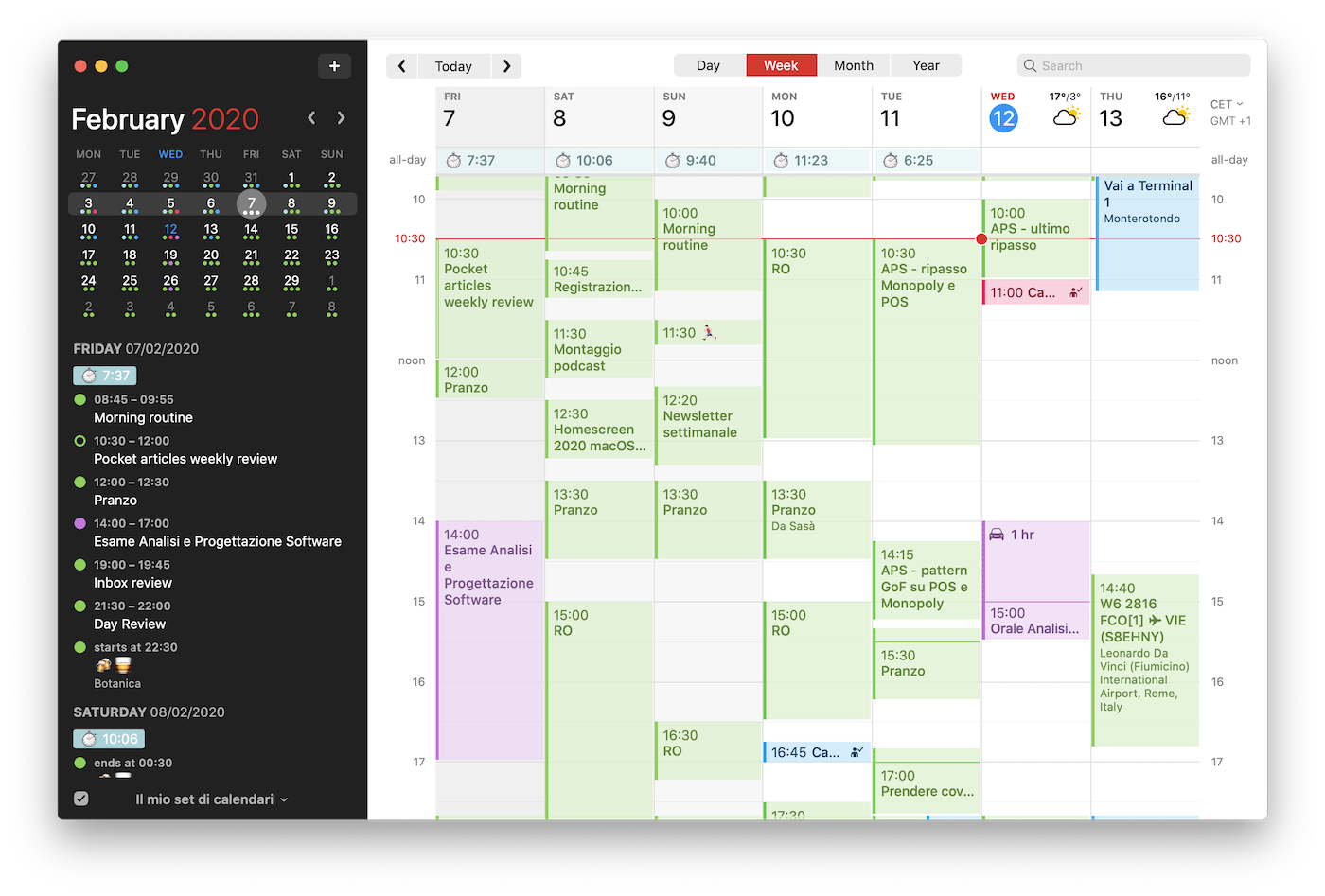
Fantastical is my calendar. I use it on all Apple devices, like Things 3: it doesn’t have much more than the native app, but the viewing modes are more comfortable and there is direct support for video calls in events with Hangouts and Zoom. Recently Flexibits, the company that develops the app, released an update (Fantastical 3) that introduces some additional features with a subscription of about 50€ a year, which however I have not subscribed to. I use Fantastical every evening to create events to dedicate to determine activities - I use timeboxing to divide my workday.
Monday is not my choice: it is the app we use at Campus Party to manage activities. It is like a powered-up excel to manage deadlines and work timelines. I use it only to report macro-activities to the team, because all the micro-activities I perform on a personal level I track on Things.
Creativity

Creativity is a very important part of my work. For this reason there are 6 apps that help me in this: Raindrop, Day One, Agenda, MacDown, Pixelmator Pro and XMind ZEN.
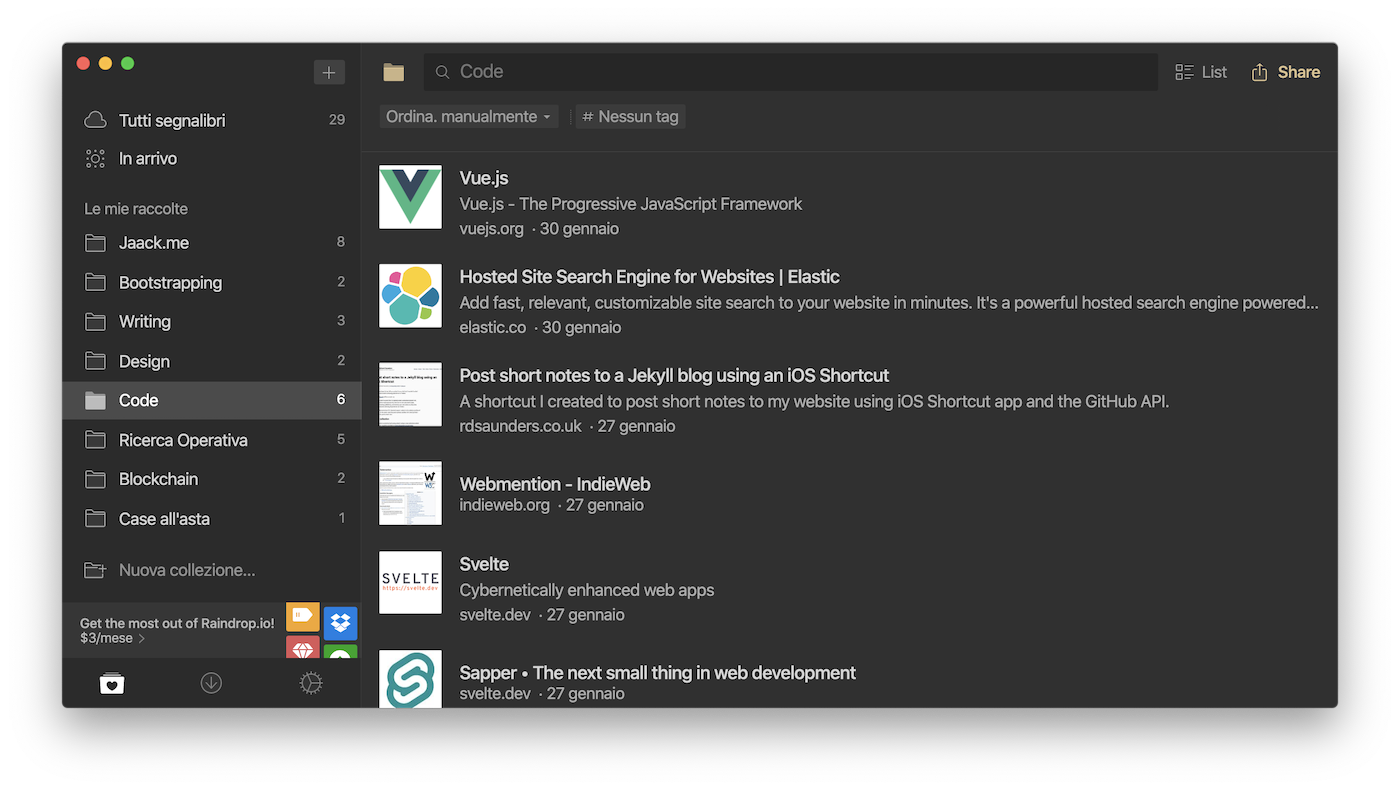
Raindrop is a new app that I have been using for a few weeks to collect links. It simply serves to save links from the web and collect them in collections. In Raindrop goes everything that doesn’t go in Pocket and OneNote, which are my apps for collecting articles and research, respectively. There is also a premium version for 3 dollars a month, but I don’t need sub-categories and other additional features: I just need to collect links and then review them.
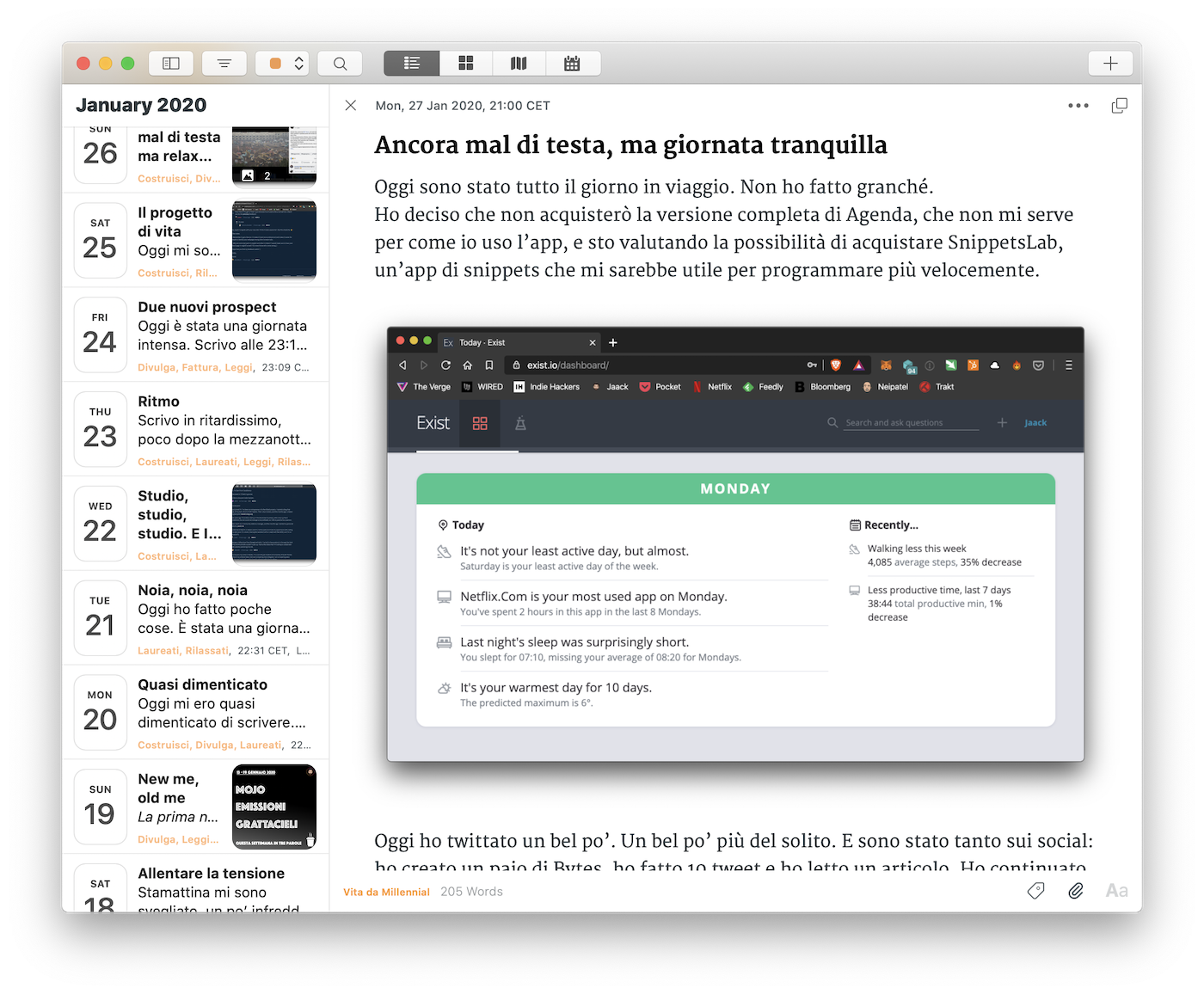
Day One is also a new entry. Although I had already tried it a few years ago, now I understood how to use it: it is the virtual place where I vent my thoughts every evening. I almost always write on MacBook, almost never on iPhone or iPad (it is not on Android), because I feel like I have to be comfortable to let my thoughts flow onto the screen.
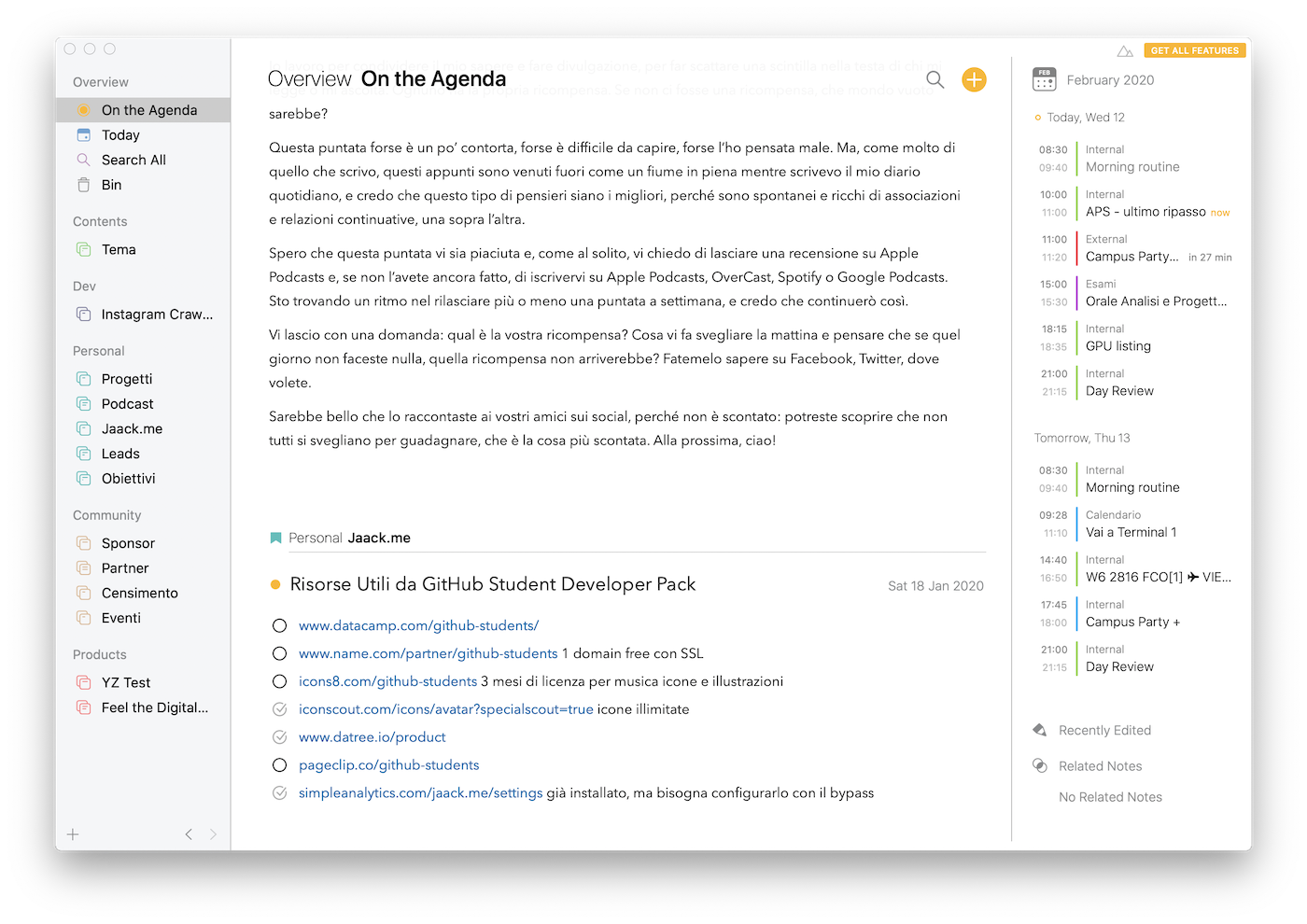
Agenda is a very new entry: I had noticed it a few months ago, but I started using it only at the beginning of January. I use it to write notes related to appointments, calls and internal meetings, as well as the activities I plan. I use it to give context to what happens to me during the day. It is a bit like a diary, but one that describes the day unfolding. On Day One I tell things with a cool head, on Agenda while they happen. And then, a couple of times a week, I review all the notes ‘On the Agenda’, to be done and try to understand if I still need them, otherwise I remove them from ‘On the Agenda’. They still remain in the app (which I synchronize with Dropbox), but they are not on the first screen, where instead are the notes I need immediately.
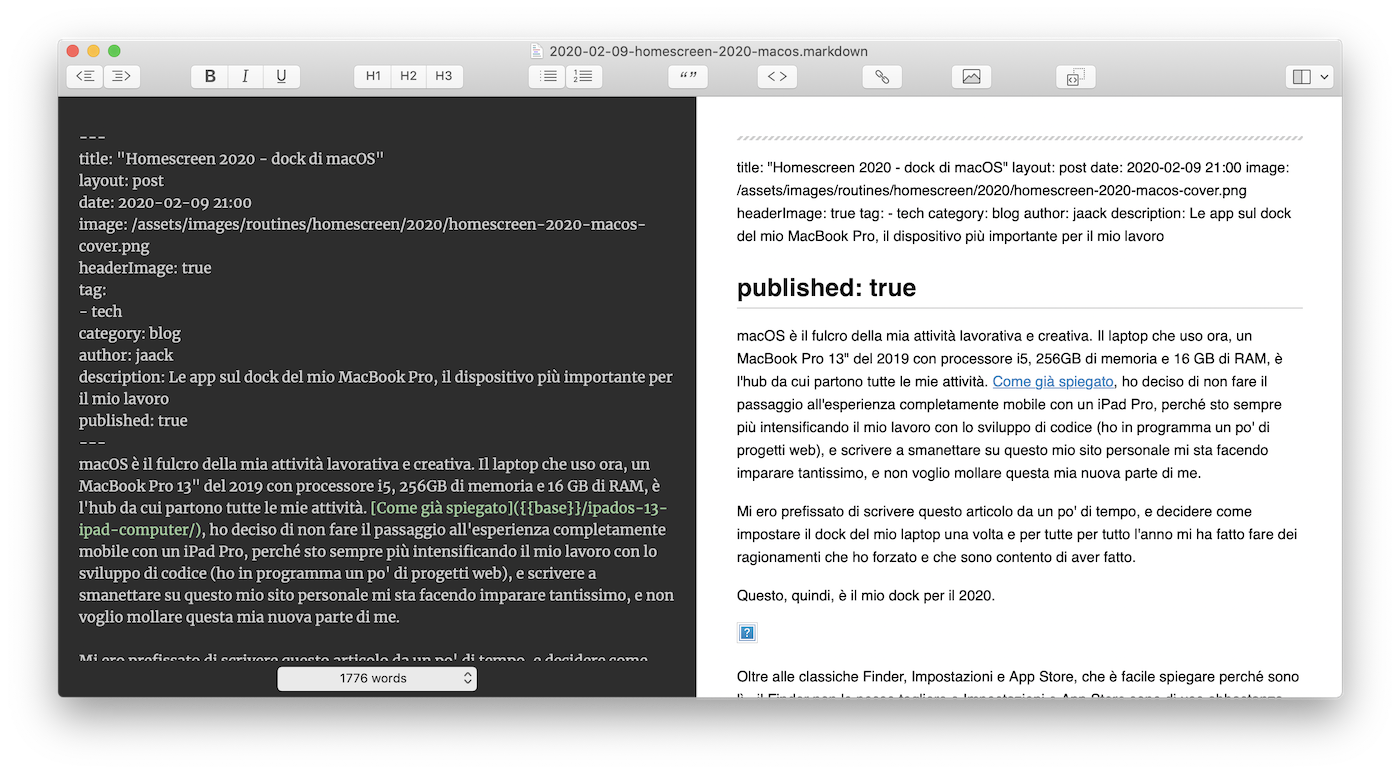
MacDown is an open source text editor, to which I am trying to contribute to development (I haven’t done anything yet, I’m studying the documentation). It is very simple, supports markdown, there is a tab for preview and it is extremely fast and light. I am writing this article on it.
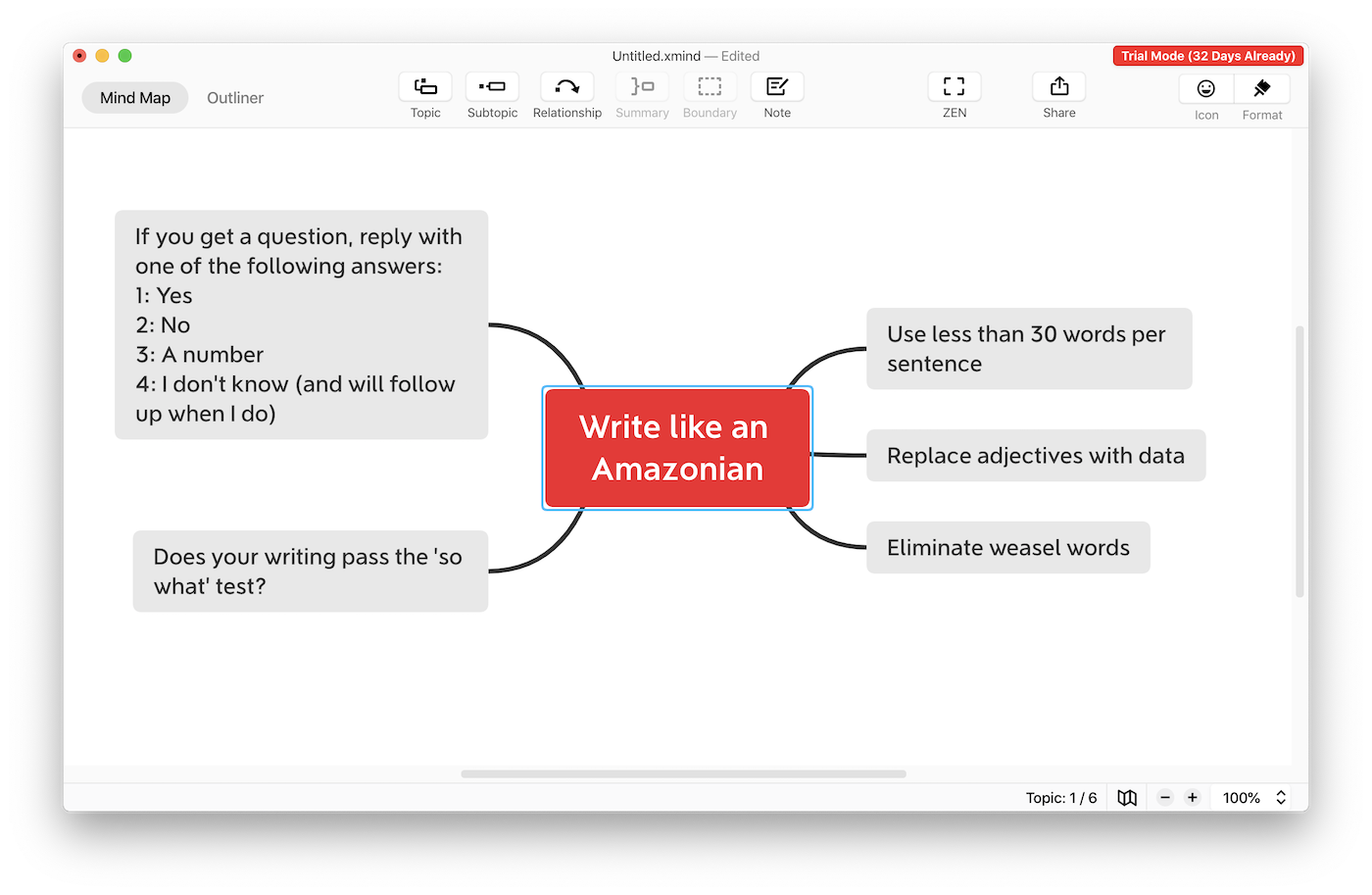
Pixelmator Pro is very useful: although it costs a little more than 40€, it is extremely simple to use and has the level of complexity of functions I need. With Pixelmator Pro I create newsletter covers, all the mockups that are on this site and all illustrations with some text and the combination of other images. I also made concept maps with it, but then I discovered XMind ZEN, which instead is an app that serves only to make concept maps and tables. It is very simple, this one too, and I use it a lot to make diagrams of the subjects I study and the research I do. It is paid, but you can also use it for free if you accept the XMind logo on exported images.
Coding

Finally, programming is occupying an increasingly important part in my days. For this reason there are two apps that I am using and that satisfy all my needs: Atom and XCode. Both apps serve, obviously, to program, but while XCode is specific as a development environment to create apps for Apple devices (but not only, anyway), with Atom I can develop in any programming language, commit quickly on my Github repositories and, thanks to a system of additional packages, add recognition for new syntaxes, and modify graphics and shortcuts to make it as comfortable as possible. And then it is open source.


Giacomo Barbieri
Head of Growth at Routescan. Building at the intersection of crypto infrastructure and AI agents.